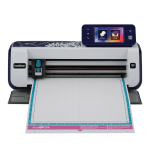
Overview
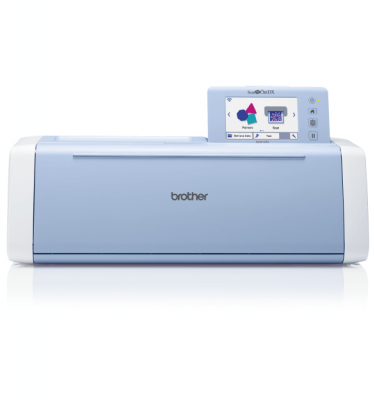
Developed with the advanced, cutting-edge technology that Brother is known for, ScanNCut is truly an incredible innovation in electronic cutting machines – giving artists the freedom to make truly unique, one of-a-kind creations with the push of a button. Check out some of these great features you’ll be sure to admire.
Add even more editing capabilities with our free online Canvas Workspace! Just register for your free account and start creating your projects. Import your files, including vector files, convert them into ScanNCut cutting files quickly and easily. You can even store your projects online.
Creativity with no limits
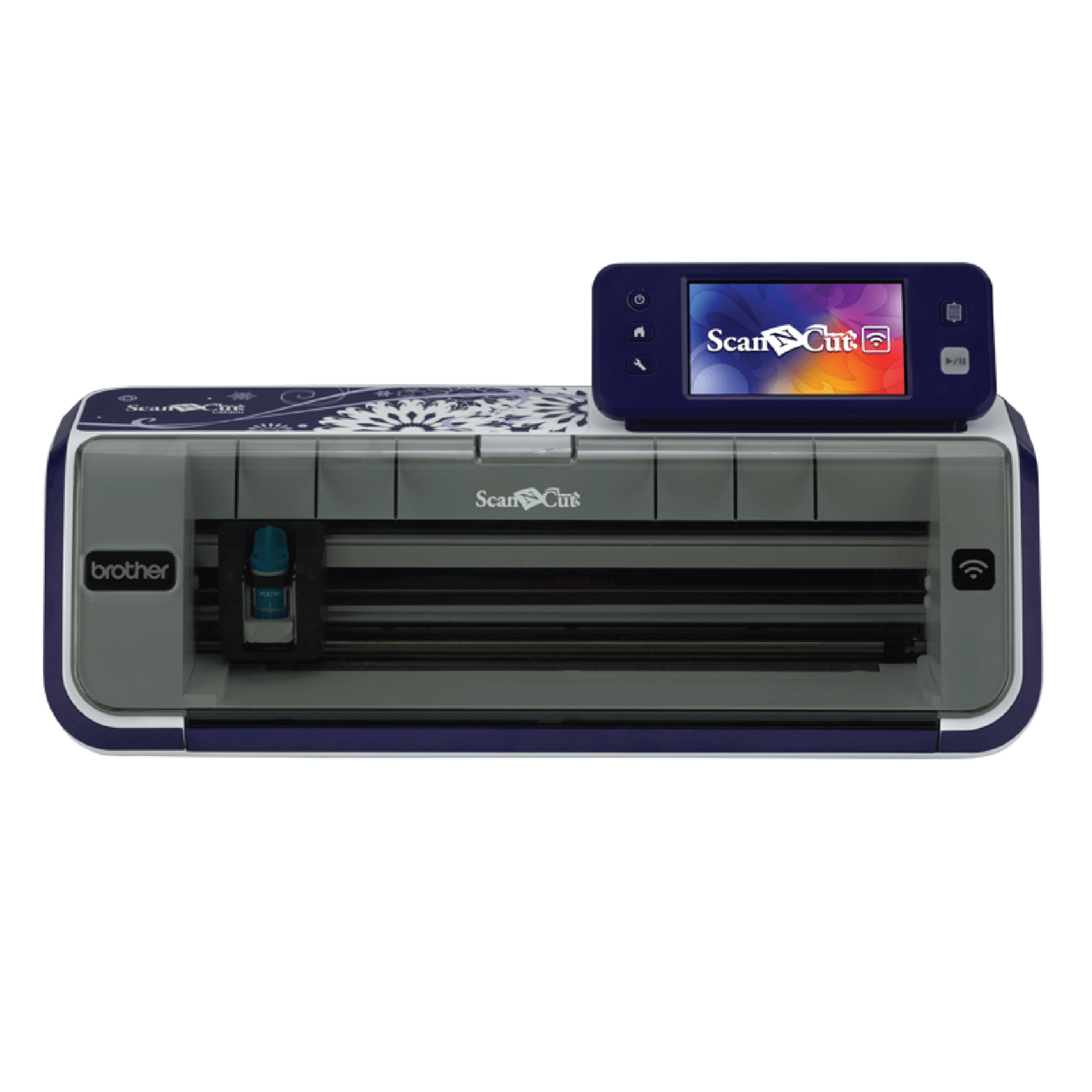
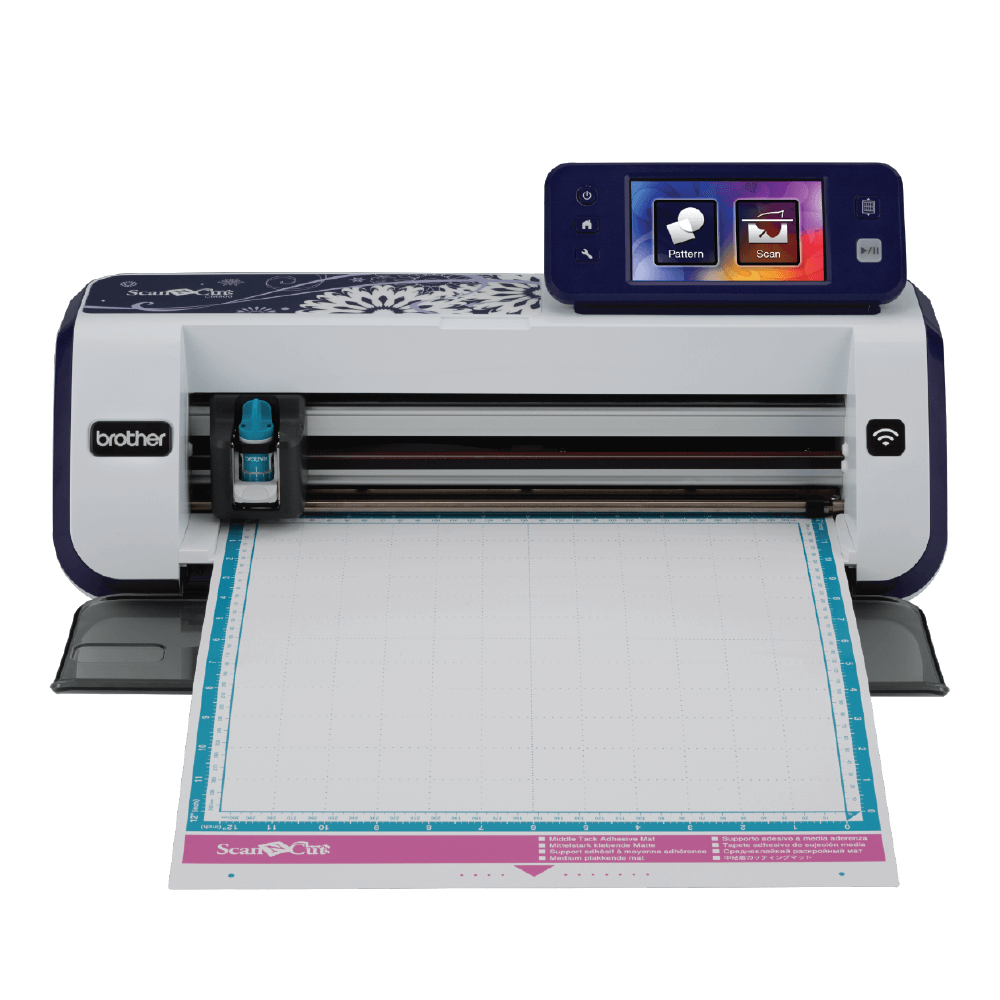
If you were excited about ScanNCut before, you will definitely be amazed by it now. The ScanNCut CM900 offers new features and improvements that will help take your creative craft to a whole new level.

Key Features
- Standalone paper and fabric cutting machine
- Wireless network ready
- 12.3cm Colour touchscreen
- Large 12″ x 24″ scanning and cutting area
- Up to 1102 built-in designs
- PES and PHC data readability
- SVG data readability
- 300dpi Built-in scanner
- Direct to cut
- Scan to cut
- Cut most media up to 1.5mm thick
- Fabric cut
- Add seam allowances at the touch of a button
- Pattern editing function
- Canvas Workspace free online editing program
ScanNCut is perfect for those who have a passion for creating one-of-a-kind crafts and projects
Crafting & Scrapbooking
Mixed Media Artists
Quilting
Sewing
Canvas Workspace
Yours FREE
What makes ScanNCut a cut above the rest?
See it. Scan it. Cut it. Create it. It's so easy to be creative
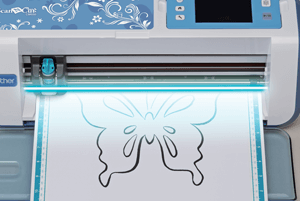
300 DPI Built-in Scanner
Convert your scanned images into unique one-of-a-kind cut designs and patterns. The secret lies in the 300dpi built-in scanner. Scan virtually anything – a handmade drawing, a magazine clipping, cherished photos, and more – to create endless cut designs and save them to the machine’s memory. Say goodbye to expensive, clunky design cartridges! As a bonus, use the ScanNCut machine as a home scanner to archive pictures, documents and more and save to your memory stick for use in your computer.
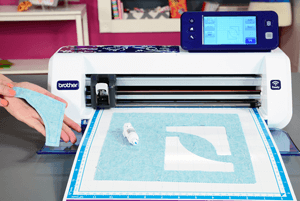
Pen Draw
Creative embellishment! Have you ever dreamt about adding custom drawings to your crafting projects? The ScanNCut machine gives you the ability to change your cut file – whether its from a previous scanned image or a built-in design, and replicate the design into a drawing in virtually seconds. With 6 drawing pens and 2 erasable pens, you can now take all your sewing and crafting projects to the next level.
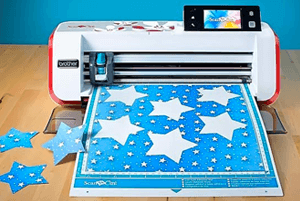
Auto Layout Capabilities
Do you often find yourself with a collection of odd shaped scraps of paper and fabric that you likely won’t be able to use again? With the space saving capabilities of ScanNCut, get the maximum use out of your material. Using the background scan option, simply scan your material into the machine and watch as an image of the material quickly appears on the large colour LCD touch screen. From there, see the exact placement of where your designs will lie on the material prior to cutting them out. Even the smallest scraps can be utilised when working with this innovative crafting tool!
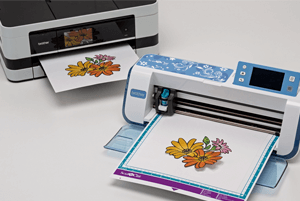
Direct Cut
Cut precise fabric shapes with ease. Pairing the erasable draw function with cutting, this machine offers the unique feature of drawing your seam allowance and provides precise sewing guidelines – making sewing, quilting and appliqué projects easier to create than ever before. No more fussy cutting. Relax, and let the ScanNCut machine do the work for you. With just a few simple steps, the ScanNCut will scan your material, create the outline cuts, and allow you to select your design straight from the surface to cut out.
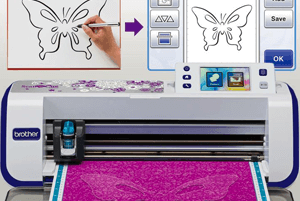
Scan-to-Cut Data
Scan and convert to cut data. Using the technology of the 300dpi smart scanner, scan in your design and save it as data to cut or draw. The ScanNCut machine will create cut lines automatically, and then within minutes, hand drawn elements can grace the pages of your artwork as a cut element or drawing with the assistance of the pen draw feature.
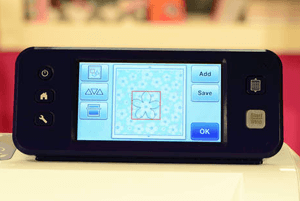
Background Scan
The magic of ScanNCut lies in the ability to scan your materials using the 300 DPI built-in scanner. See the scanned image on the large color LCD touch screen, open your cut design and, using the stylus, simply move the cut design over the desired area for a perfect cut without measuring or using a computer.
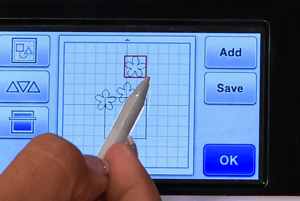
Welding
Select from the wide variety of built-in designs or from your gallery of scanned images to build your own unique cut designs. Use the welding feature to combine shapes, hand drawings, fonts and more directly on the large colour LCD touch screen. Combine detailed or intricate cuts in seconds to simply group designs into one piece prior to cutting.
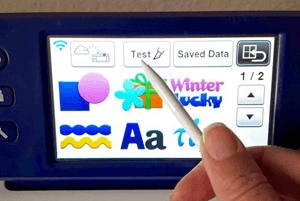
Built-in Designs and Fonts
Get creative! Basic shapes, intricate designs, borders, quilt patterns, fonts and more are all available on the easy-to-use colour LCD touch screen display. Simply select a design, and then have it cut out of your material of choice. For even more variety in your creations, combine built-in designs or scan an image to create a one-of-a-kind design.
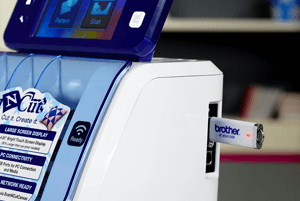
Scan to Memory Stick
With the 300 DPI built-in scanner, scan virtually anything into your machine to be saved as a cut file. As a bonus, you can use ScanNCut to scan important documents, files, artwork, photographs and even your child’s favorite drawings, and save to your memory stick to be used for future use. Memory stick not included.
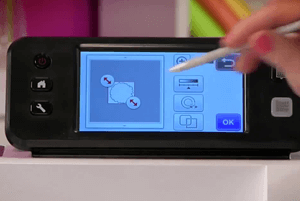
On-screen Editing
Editing designs is both quick and easy with ScanNCut. Every editing function can be done on the LCD touchscreen. Easily convert your scanned designs into custom cut or draw files. Customise designs by changing the shape, size, or position, even using just part of a design. With the ability to weld, rotate and resize your designs, you’ll love having the ability to create detailed designs you love.
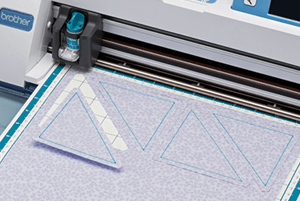
Seam Allowances
ScanNCut gives you the ability to add a seam allowance in ¼” increments to assist you in piecing together fabric pieces for your quilts, clothing and more. But wait, it gets better! You can even utilise the erasable pen (pens available in some models, and available for additional purchase) to create sewing guidelines on your designs to assure virtually perfect placement of your stitches.
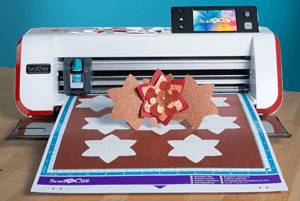
Large Scanning & Cutting Area
Using the included 12” x 12” cutting mat, or the 12” x 24” cutting mat (available for additional purchase), easily create and cut a wide variety of designs – from one as small as a delicate snowflake for a holiday ornament or one as large as an inspirational wall quote to place in your family living room. Plus, the cutting mats double as a scanning* mat for ease of use! (*CM900 only)
What's new on the CM900?
Now better than ever!
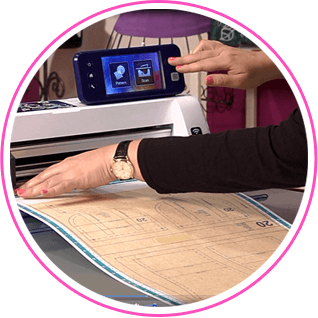
12" x 24" Scanning Area
The new 12″ x 24″ scanning area is ideal for large wall art designs, doll patterns, large quilt designs and much more. Large 24″ mats are available as an optional extra
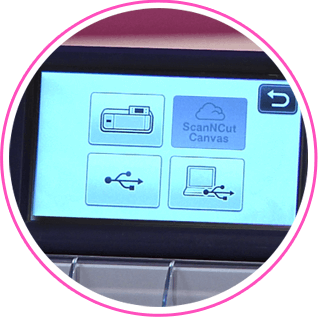
ScanNCut Online
The CM900 ScanNCut machine is wireless network ready so you can transfer files or connect directly to Canvas Workspace
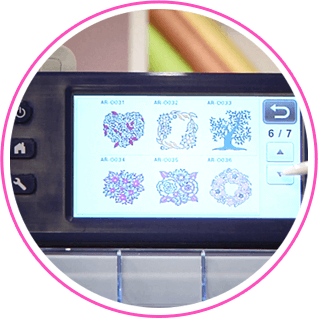
Stand Alone
With a 12.3cm touchscreen and over 1,000 built-in designs and fonts, including 102 quilting patterns, the CM900 ScanNCut has everything you need to get started straight away
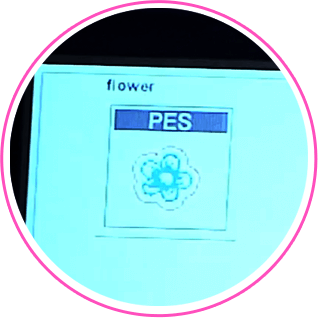
PES & SVG Data Readability
The CM900 ScanNCut reads .PES and PHC files containing appliqué stitch data, as well as .SVG Files
ScanNCut Video Tutorials
See how easy it is to use your ScanNCut Cutting Machine
Liz Hicks introduces ScanNCut
Liz Hicks
4:45
Using Scanning & Direct Cut
Liz Hicks
4:50
Using Built-in Designs for Direct Cut and Welding
Liz Hicks
6:15
Scanning Photos with Direct Scan
Liz Hicks
1:35
Peace of Mind. Guaranteed.
When you purchase a Brother ScanNCut machine and our genuine accessories, we’ll support you every step of the way with our FREE 2-year warranty commitment. YOU DO NOT NEED TO REGISTER YOUR PRODUCT, our warranty is automatic when you purchase your Brother machine. To keep your Brother machine in optimal condition we recommend using only Brother Genuine accessories, this will ensure you automatically enjoy our exclusive 2-year warranty.